Make your network maps more beautiful, and exploring your data easier
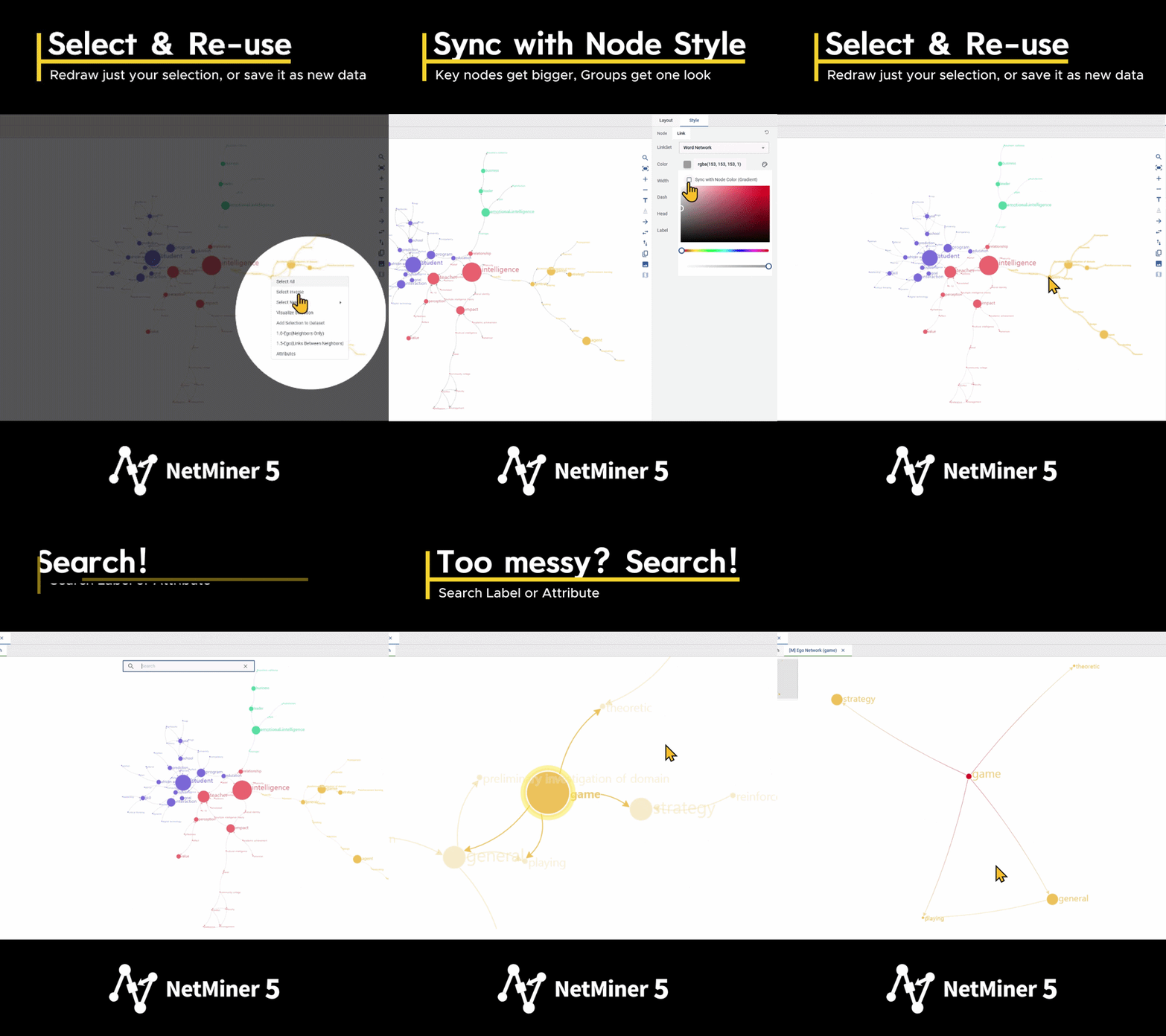
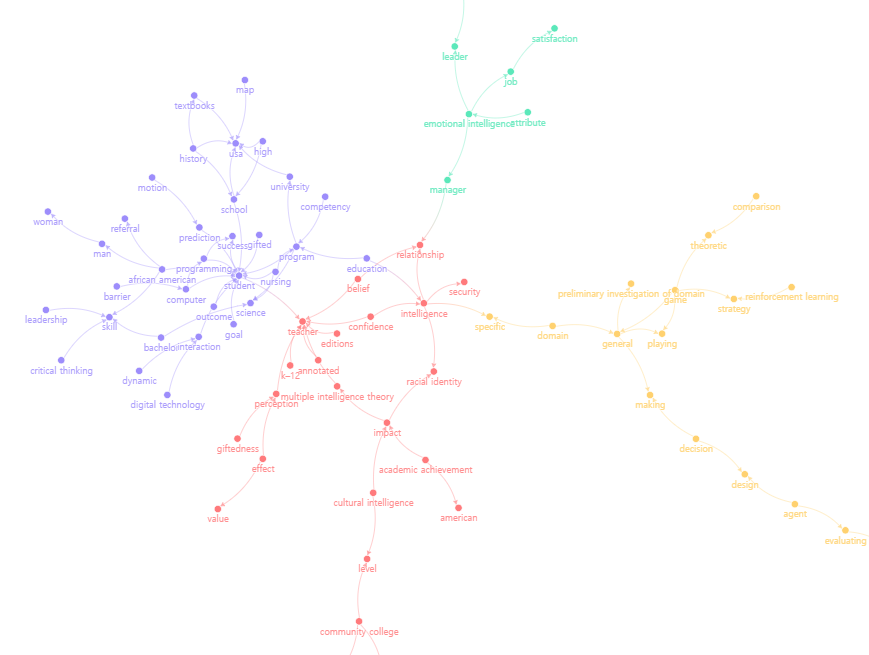
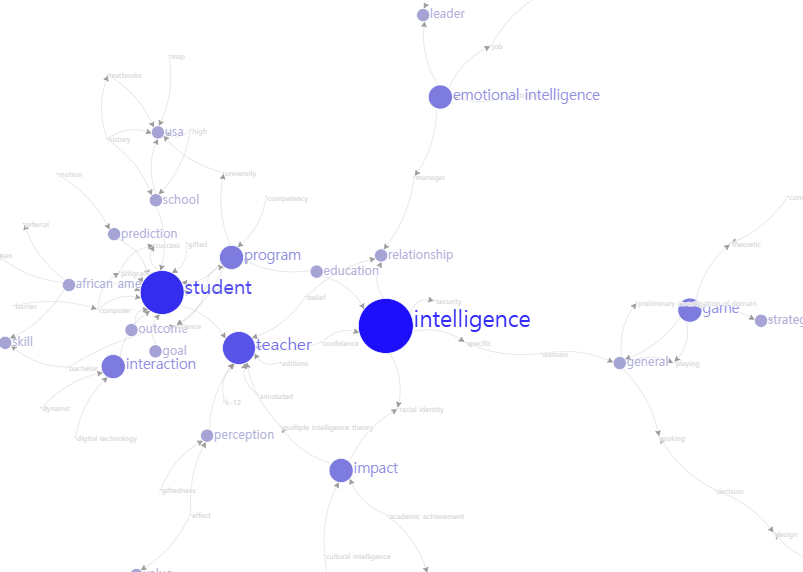
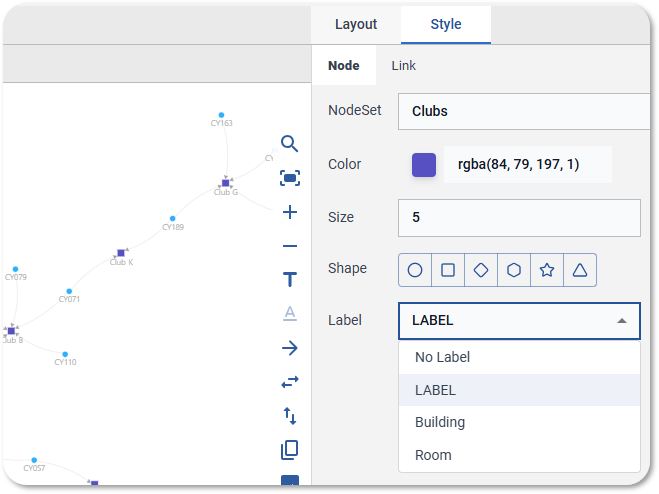
What's new - Style sync: Node labels now automatically match node color and size, and link labels match link color and width. Link colors can also follow a gradient between the two connected nodes' colors.
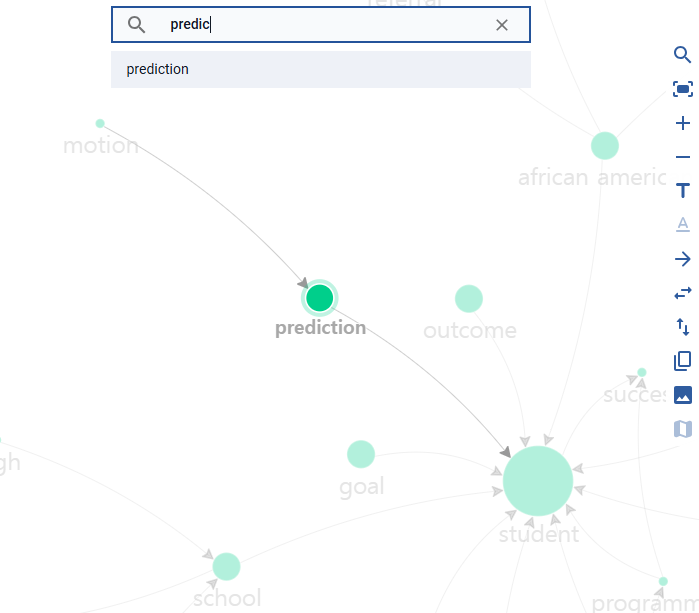
- Node search: Find any node instantly by name or condition, even in complex networks.
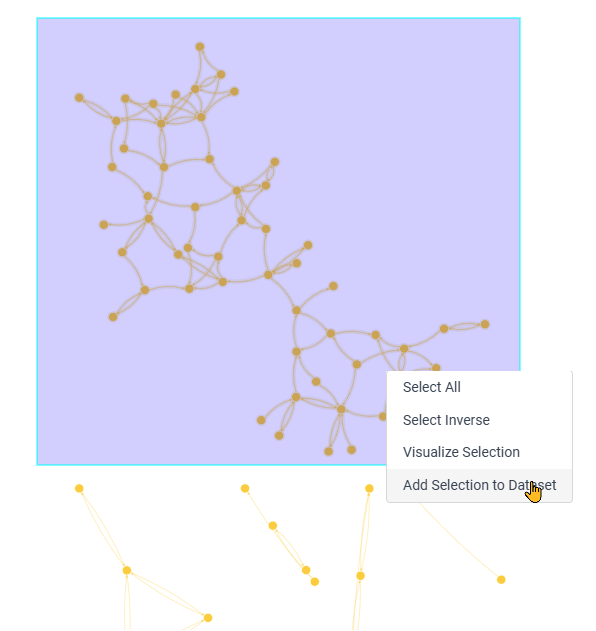
- Right-click menu: Select All / Select Inverse / Select Neighbor, check node and link properties, view the ego network, focus on a single cluster, and save your selection as a new visualization tab or a dataset.
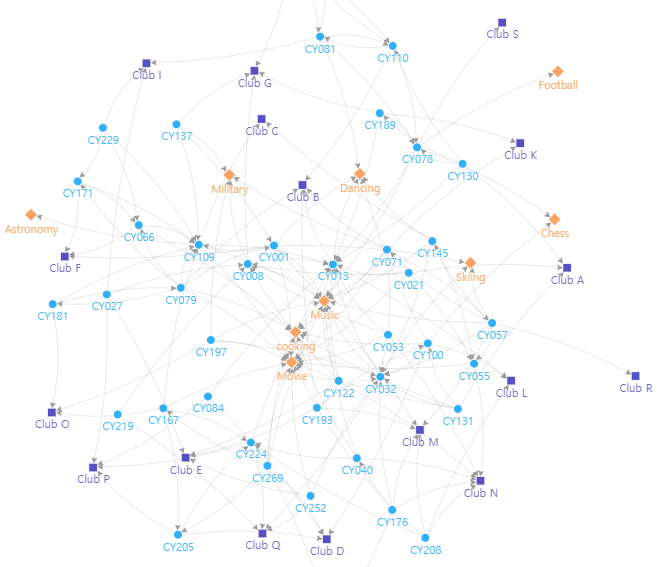
- Multi-mode visualization: Visualize networks with three or more node sets on a single map.
|